OpenWorldLab

Early preview. Send feedback

For researchers

Run your research from one place

Keep your files and write your paper next to your group's page. Then publish the result, see who reads it, and raise money for the next experiment.

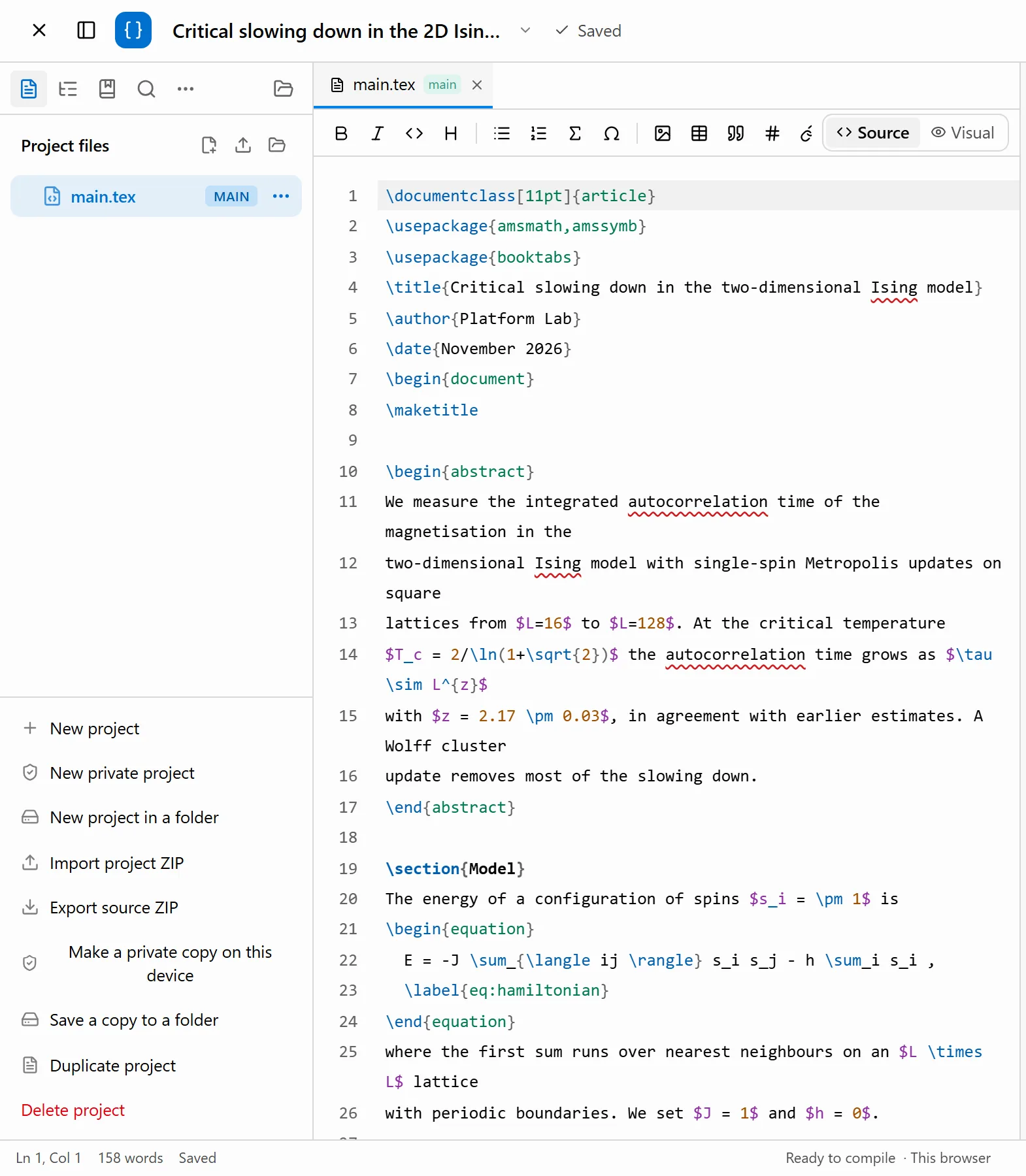
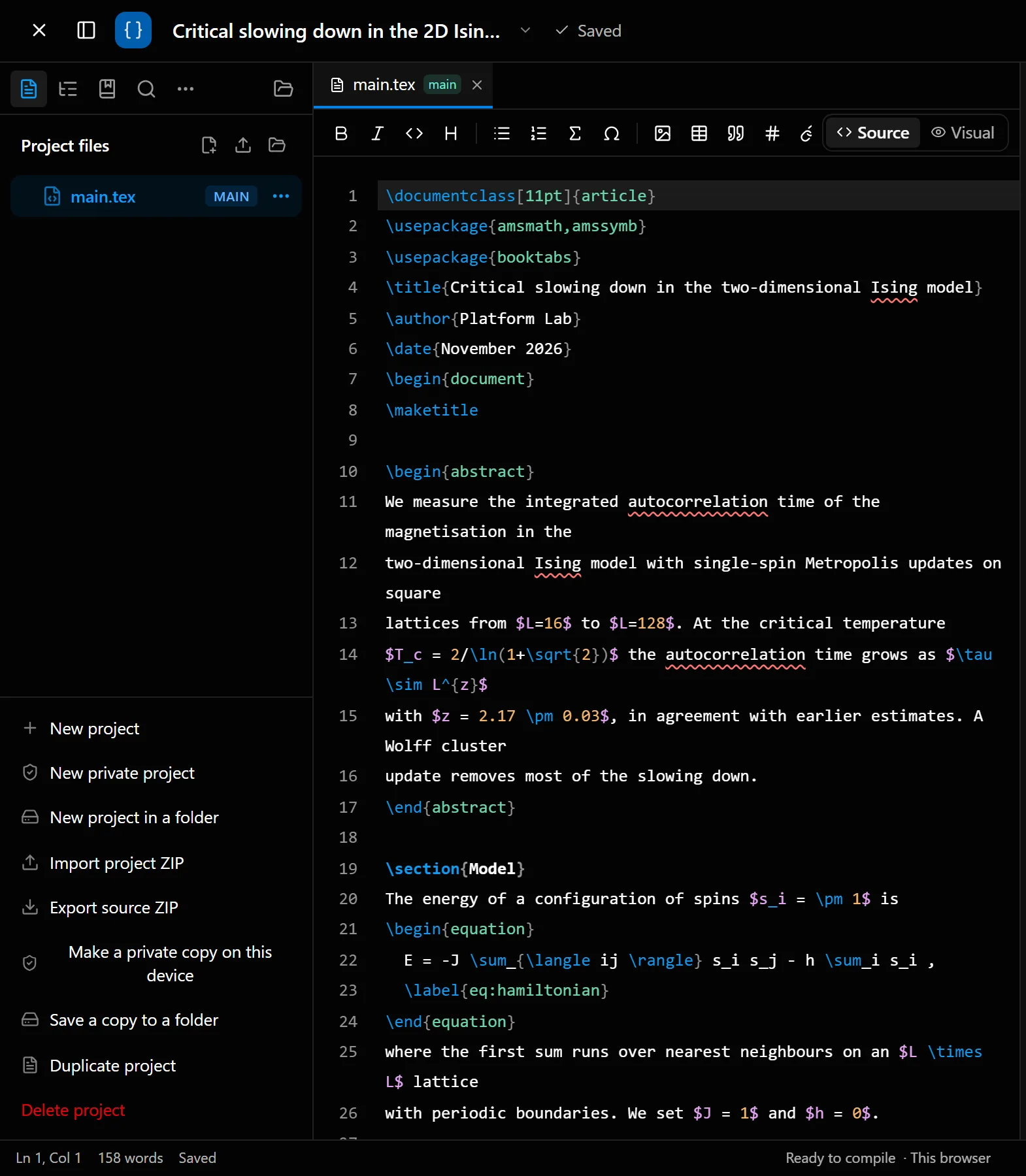
A paper on the Ising model open in the LaTeX editor, with its project files beside the source
A sample paper in the LaTeX editor, with its project files beside the source.

01

Do the research

Keep your files, write your paper, read with an assistant, publish, and pay for the next experiment, all next to your group.

Files and workspaces
Keep your files and your group’s in shared folders. Preview them, comment on them and search inside them. Read the guide
LaTeX editor
Write papers in the browser, compile them on the spot, and let co-authors leave review comments on the source. Read the guide
Ask your documents
Ask a question about a file or a whole folder, and get an answer that cites the pages it came from. Read the guide
AI Studio
Turn your notes or a paper into a draft article for a general reader, then edit it before you publish.
Publishing and reach
Post short sparks or full articles, and see where your readers come from.
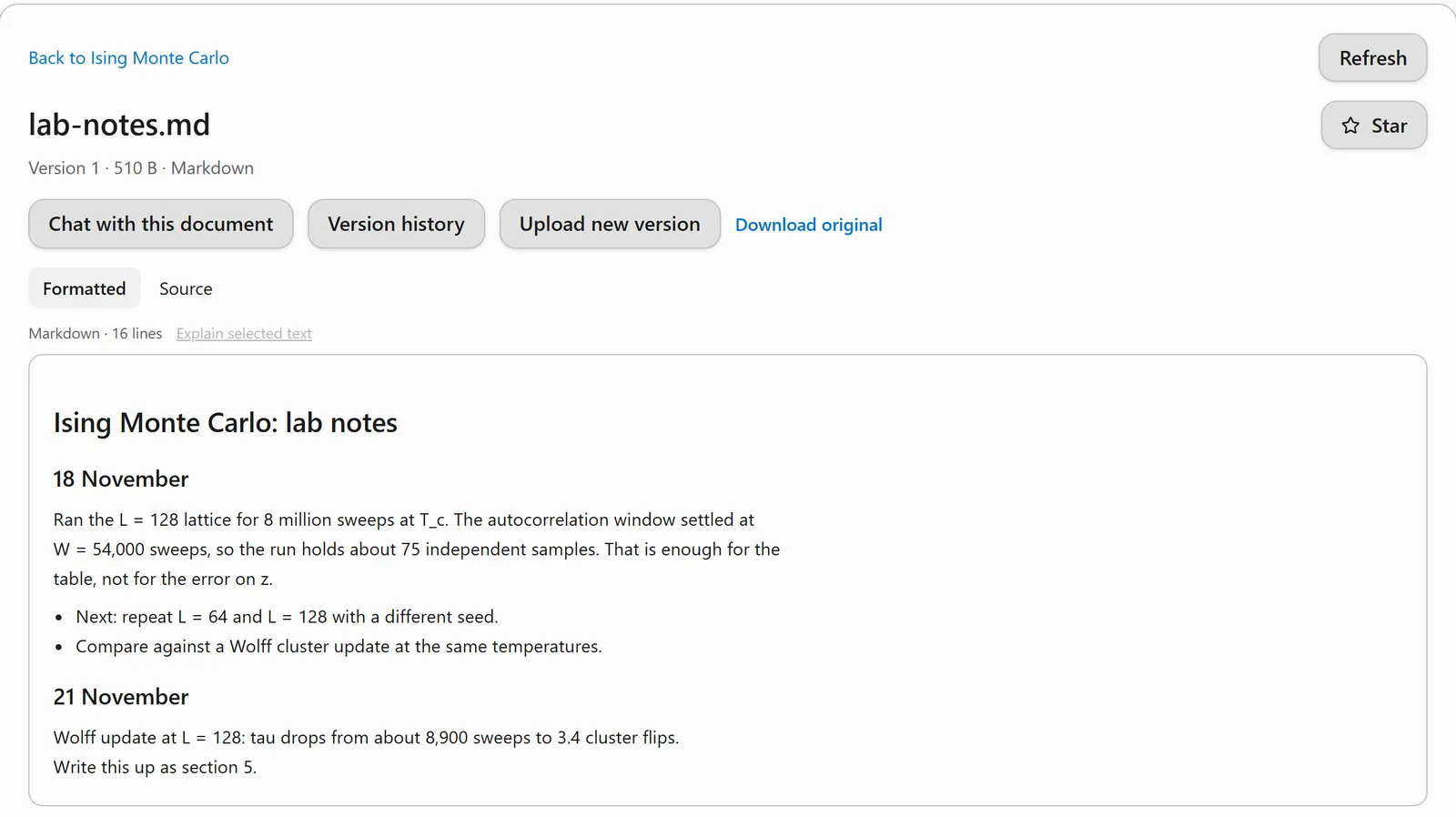
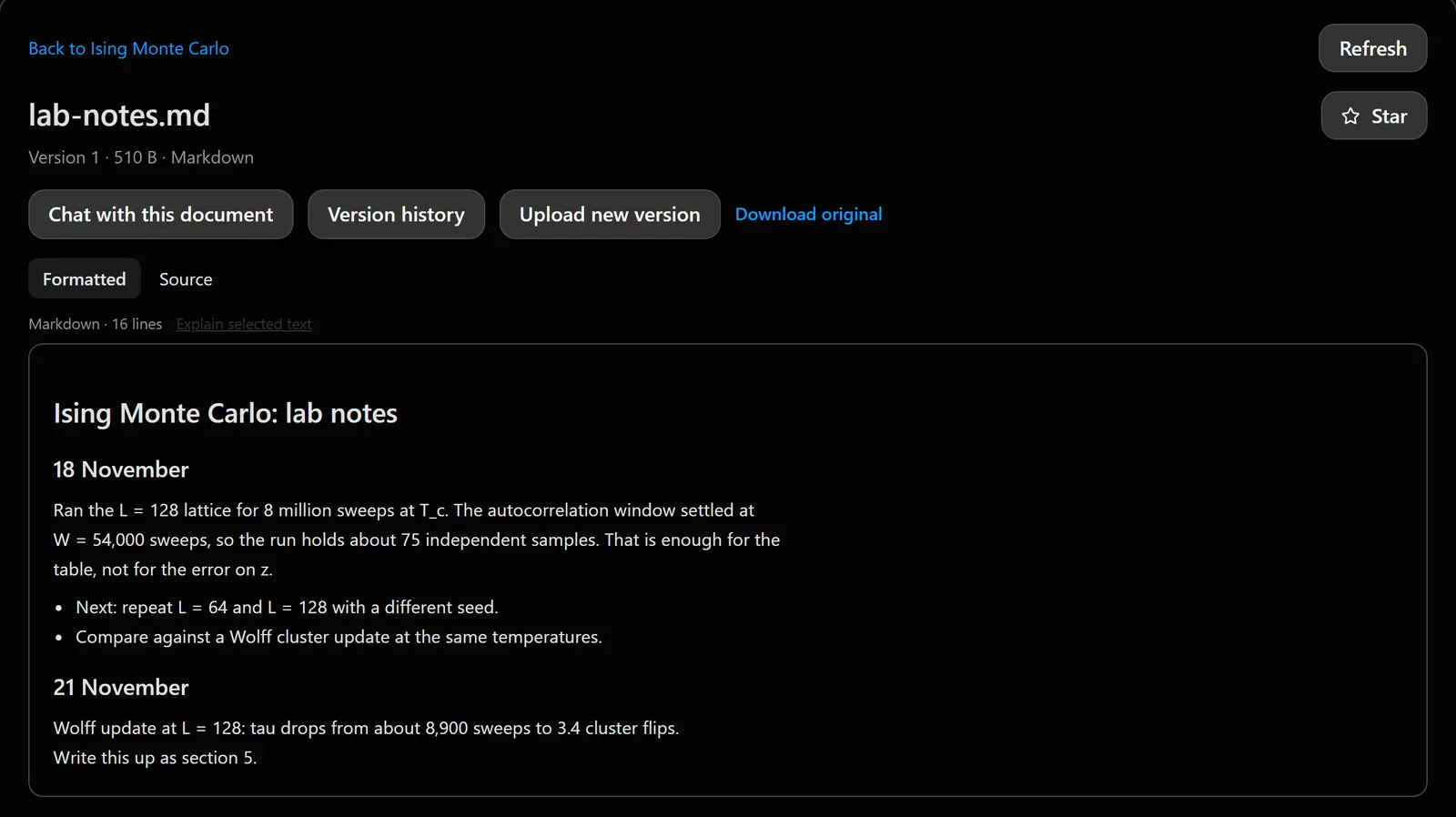
Lab notes on Monte Carlo runs, open in Files with a Chat with this document button
Sample lab notes in Files. Ask a question about the document, and the answer cites its pages.

02

Your lab, your department, your university

Your lab runs its own page, linked to your department and university the way your institution is. When your lab publishes an article, posts a job or opens a campaign, it also appears on the pages above it.

Post once, seen at every level
Nobody copies news from your lab's page to the department's. It is there already.
Both sides agree to a link
Your lab asks to join its department, and the department approves. Either side can end it.
Your readers count upwards
Your department's readers and followers include your lab's.

Pick a group to see its page the way a visitor would.

Part of Affiliated (no roll-up)

Department of Biology

Department

Part of
Faculty of Science
Articles
52
Open jobs
3
Events
6
Campaigns
2

From 3 groups: Department of Biology, Marine Ecology Lab, Coastal Sensing Centre.

A sample university. Each page counts its own work and the work of every group below it.

03

Pay for the next experiment

Open a campaign for one named cost: an instrument, a field season, a year of data. Your backers see the budget line by line, and you post updates as the work goes on.

Checked before it goes live
A reviewer approves your campaign before it can take money.
Where the money goes
Contributions go to the Stripe account the group connects, held by the organisation that receives the money, often its university. Backers see the 5% fee before they pay.
Open to groups at universities
Other groups can join the waiting list.

Campaign · Marine Ecology Lab

Keep the bay listening for another year

£6,725.00 of £9,000.00 raised

  • Six replacement hydrophones Funded
  • Satellite modem and a year of airtime £2,100.00
  • Boat time for two deployments £1,500.00

The lab can run a campaign because it sits under the University of Northbridge. Contributions go to the Stripe account the group connects, held by the organisation that receives the money, often its university.
What a contribution costs

OWL’s fee is 5%, card processing included. The checkout shows this breakdown before anyone pays. A group can also add the fee on top, so the whole amount reaches it.

You pay £50.00
Platform fee (5.0%) −£2.50
The group receives £47.50
How fees work

A sample campaign. Pick an amount to see what a backer pays and what reaches the group.

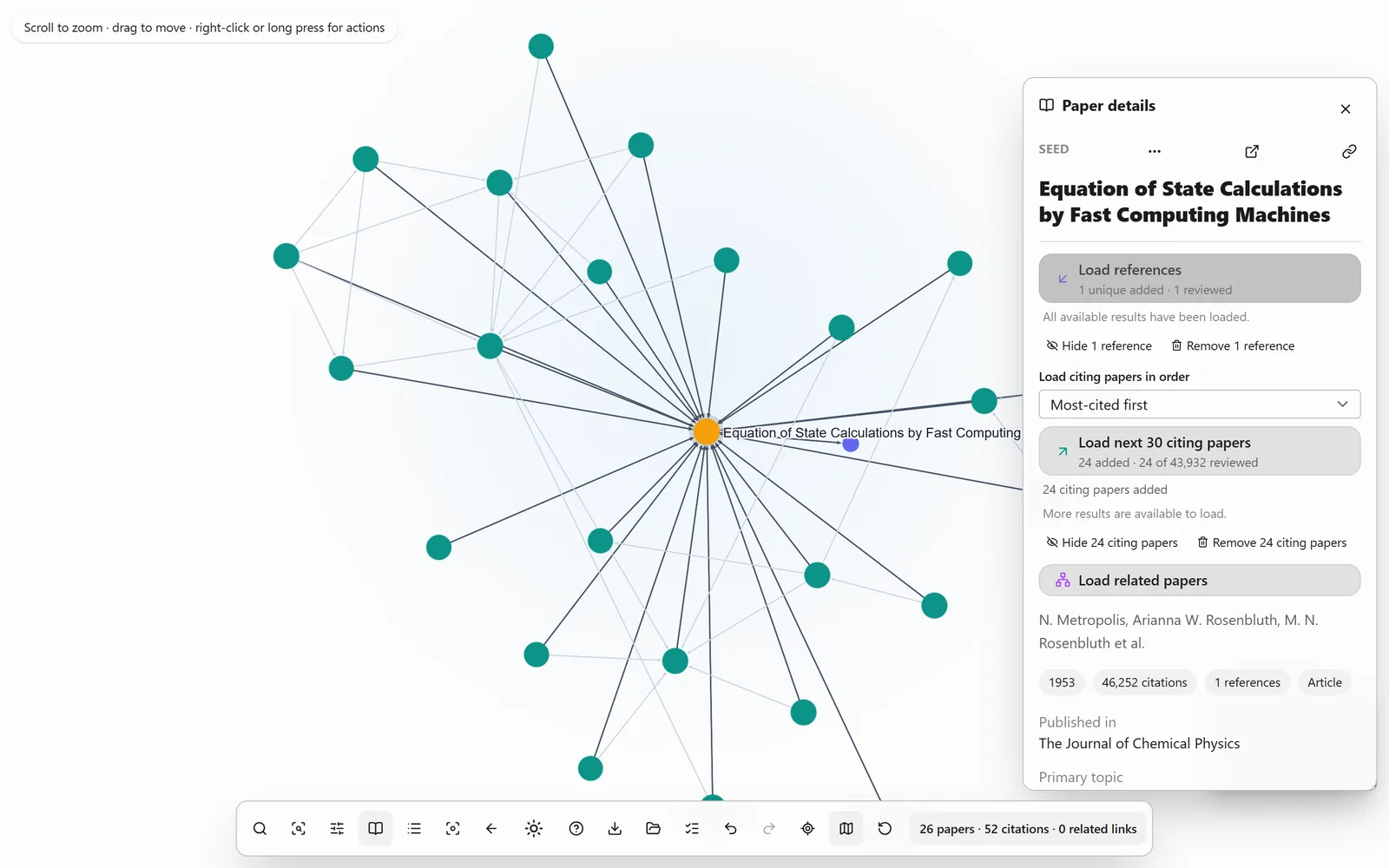
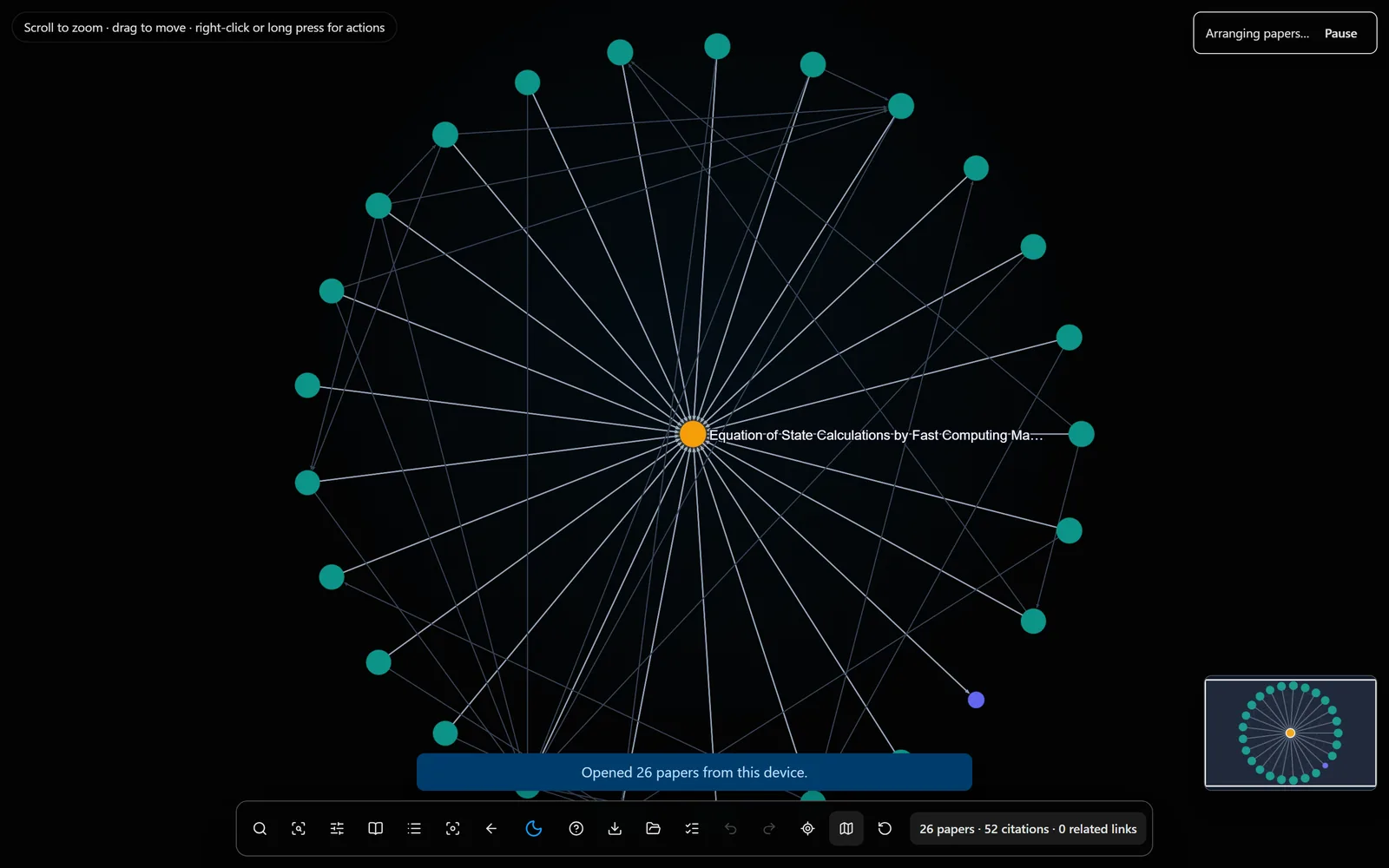
The Literature Explorer graph around the 1953 Metropolis paper, with its citing papers fanned out

04

Start from the literature

Before you write, see what a paper cites, what cites it and which field it sits in.

Literature Explorer
Search for a paper and see what it cites and what cites it, drawn as a graph you can walk through.
Research Area Explorer
Browse more than 6,000 research areas, from broad disciplines down to single topics, and see the articles, people and groups in each.

05

Find your people

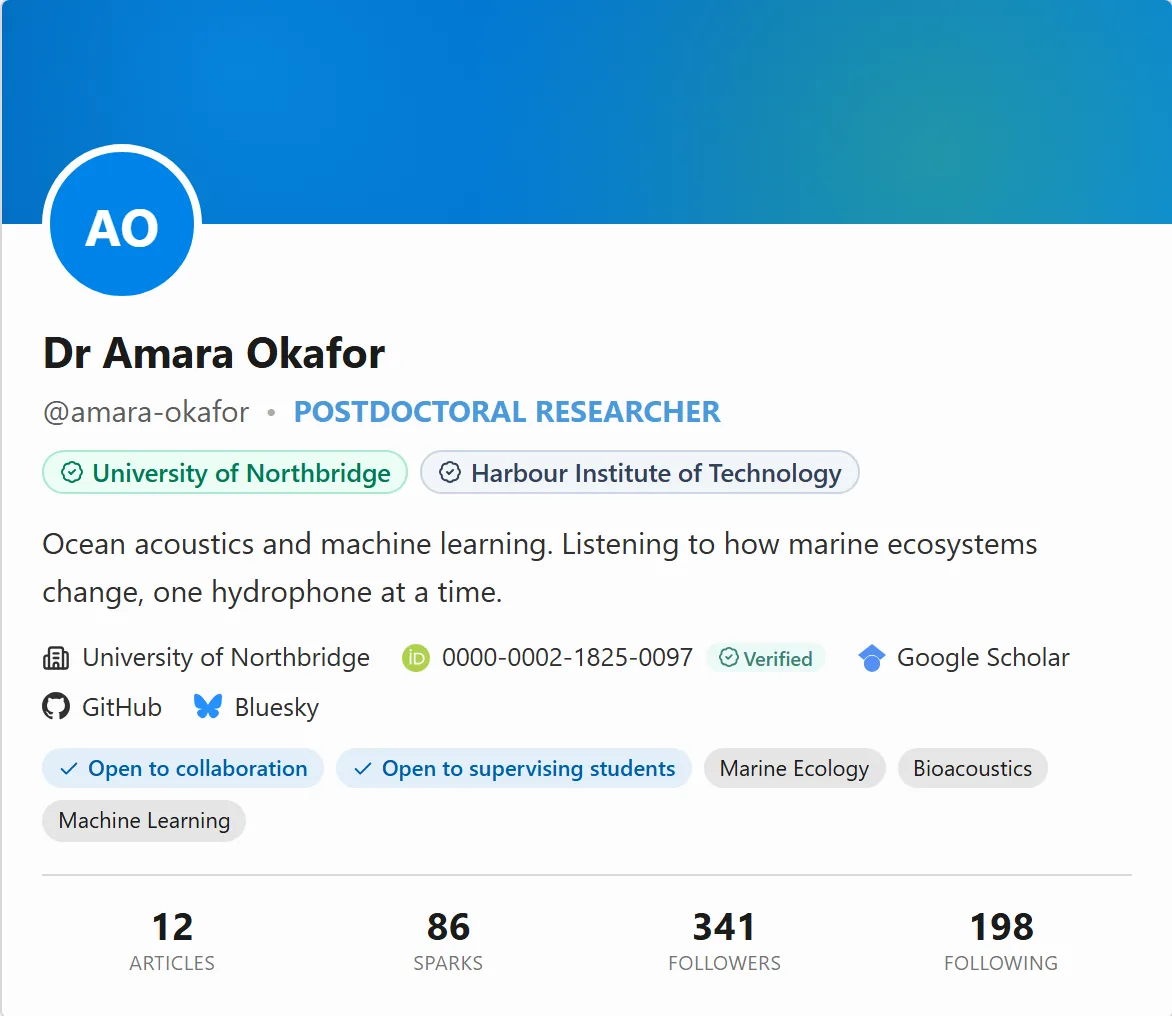
Your profile shows the affiliations OWL has checked, so readers know who they are reading. Follow the people in your field and write to them directly.

Verified profiles
Link your ORCID iD and confirm your institution by email. Your profile shows what OWL checked, so readers can trust who they are reading. Read the guide
Your feed
New articles and sparks from the people and groups you follow, in one stream.
Messages
Write to a researcher without hunting for an email address. Every group also has a chat room for its members.
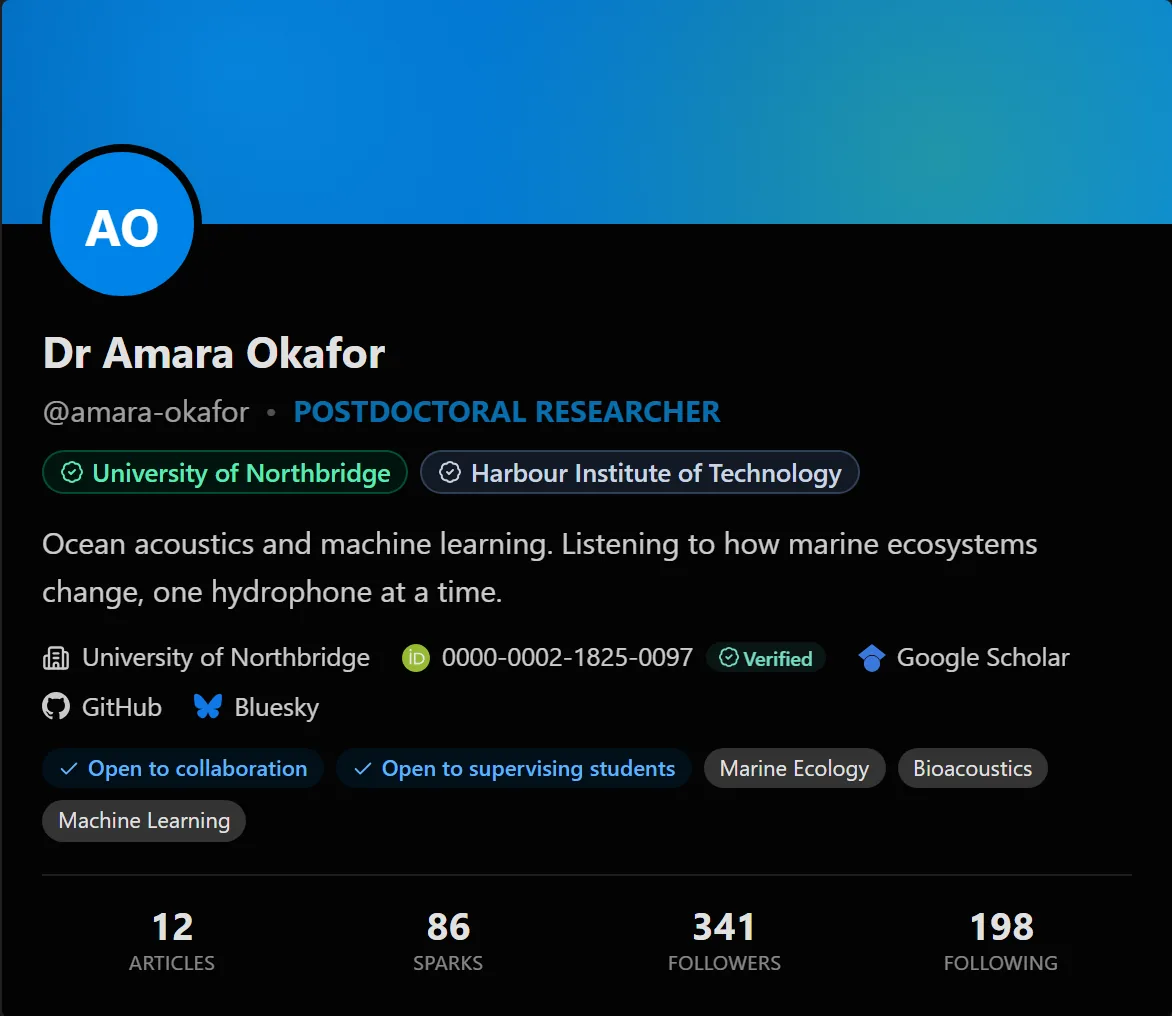
A sample researcher profile with a verified university affiliation and a verified ORCID iD
On this sample profile, OWL checked the green affiliation and the ORCID tick.

06

Find opportunities

Advertise a PhD place or a seminar on your group’s page, and it also appears in the public jobs or events list. Posting costs nothing.

Jobs
PhD places, postdocs and research posts in one list you can filter by field, place and type. Read the guide
Events
Seminars, conferences and workshops, in person or online, with a link to register and a button to add them to your calendar. Read the guide
See open jobs

Start with a free account

Free for researchers and labs. Higher AI and storage limits come with memberships. You keep your data.

Running a lab? See OWL for labs